.svg)


It's one of the first questions we hear from prospects. And the honest answer is almost always: yes. We have hundreds of facilities successfully running Dakota alongside 30+ different ERP systems - so the odds are good that we've seen your situation before. But what that "yes" actually means varies enormously. And the gap between what people expect and what integration really involves is where projects go sideways, budgets blow up, and go-lives get delayed. This post is our attempt to be upfront about that - because the more you understand going in, the smoother the process tends to be.
When someone asks "do you integrate with our ERP?", they usually mean: will Dakota talk to our ERP without us having to think too hard about it?That's a reasonable thing to want. But the answer is rarely that simple - and the complexity starts earlier than most people expect.
Even the same ERP can look wildly different from one customer to the next. If you've heavily customized your system over the years, you're not running the same thing as someone on an out-of-the-box setup. Version matters too - a system from ten years ago behaves very differently from a current release. And product families can splinter into completely distinct platforms. "Microsoft," for example, can mean Great Plains, Dynamics 365 Business Central, or Dynamics 365 Finance & Operations - three products that share a brand but have very different integration architectures.
Deployment model is another major variable that often gets overlooked. A cloud-hosted ERP typically has accessible APis and modern connectivity options. An on-premise ERP might sit behind a firewall, require VPN access, have limited or no outbound API capability, or be running a version that predates modern integration standards entirely. The same ERP product, deployed differently, can require a completely different integration approach.
On the low end, a straightforward FTP connection might cost $10,000-$20,000 to stand up. On the high end, a heavily customized enterprise ERP with no native connector can push $200,000 or more. The honest answer is: it depends. Nobody likes hearing that. But what people like even less is a surprise bill halfway through an implementation. That's why we encourage anyone considering an ERP change - or evaluating Dakota for the first time - to dig into the specifics with us early. The earlier we understand your ERP environment, the better we can set expectations and help you avoid problems down the line.
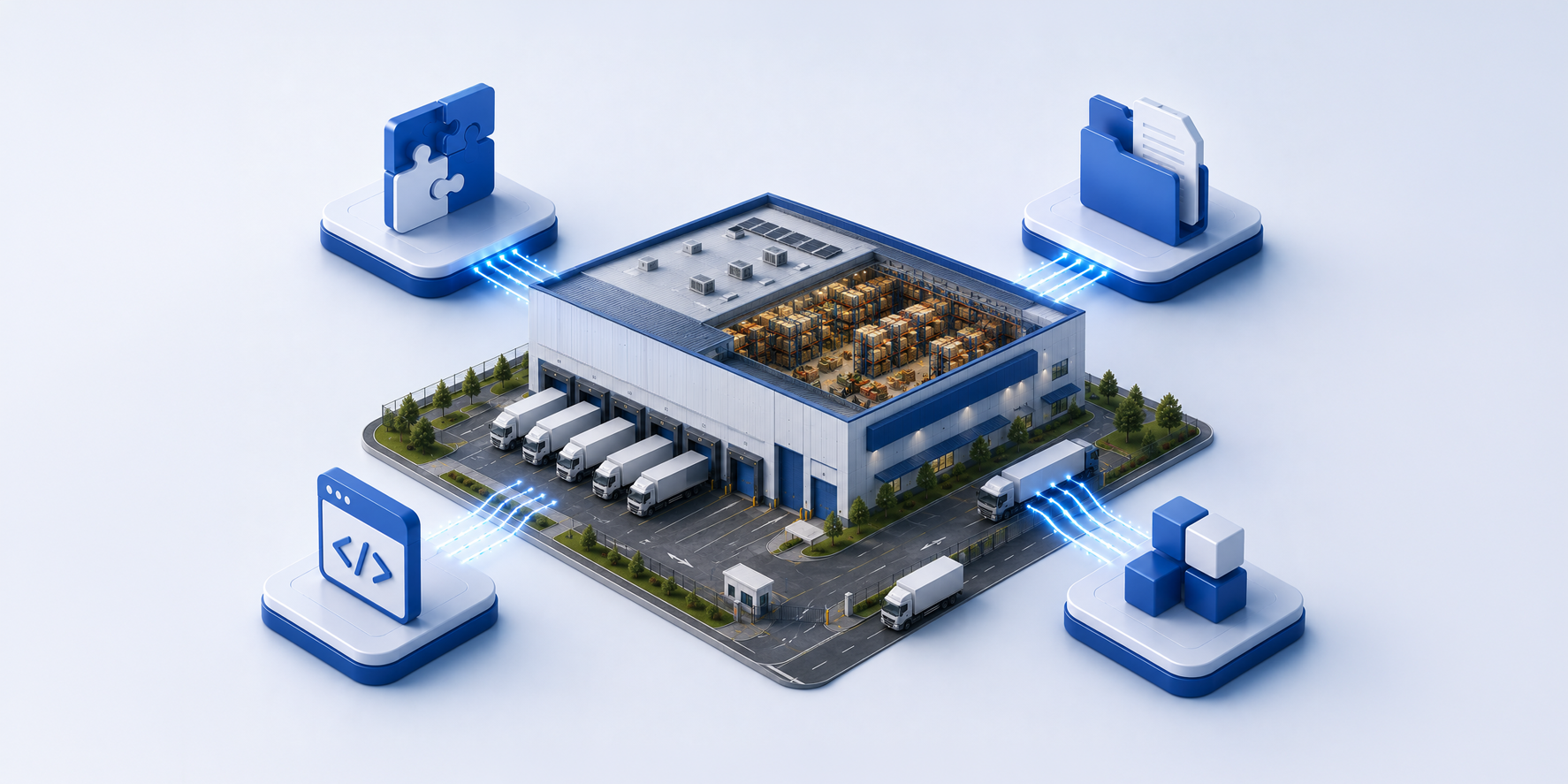
At its core, a WMS integration is a continuous, bidirectional data sync between your ERP and Dakota. It's not a one-time setup. It runs every day, every shift, often every few minutes.
It's not syncing one thing, it's syncing all of these:
1. Items - your product catalog must exist in Dakota before anything else works
2. Purchase Orders - inbound shipments flowing into the warehouse
3. PO Receipts - confirmation back to the ERP of what was actually received
4. Sales Orders - outbound orders routed to the warehouse for picking
5. Fulfilled Items - confirmation back to the ERP of what was actually shipped
6. Inventory Quantity on Hand - keeping both systems in agreement on stock levels
7. Quantity Sold - driving replenishment logic
8. Inventory Adjustments - cycle counts, exceptions, mispicks
9. Picked Quantities - real-time picking data flowing back to the ERP.
Each of these has its own data structure, its own timing requirements, and its own failure modes. Get the item master out of sync and sales orders start erroring. Get the timing wrong on fulfillments and your ERP thinks orders are still open. These aren't edge cases. They're the normal operating conditions of a live warehouse.
One of the most underestimated aspects of integration is timing. Data doesn't just need to flow - it needs to flow in the right order, at the right moment. Items must be in Dakota before purchase orders or sales orders that reference them arrive. Sales orders need to be in the warehouse before picking begins. Fulfillment confirmations need to make it back to the ERP before invoicing runs.
In a busy distribution environment, these windows can be tight. A file that arrives five minutes late can hold up an entire pick wave. A fulfillment that doesn't export correctly means your ERP customer service team is looking at a different reality than your warehouse floor. This is why integration isn't something you configure once and forget. It requires monitoring, error handling, and someone who understands what the data is supposed to look like when things go wrong.
If you're connecting to one of the ERPs where we have a native connector - NetSuite, Acumatica, or Retalix - you have a significant head start. The connector is built, actively maintained, and has been proven across multiple customers. But even here, no two integrations are identical. Every ERP instance is configured differently. Custom fields, unique workflows, non-standard data structures - a customer who has heavily customized their NetSuite instance will have a different experience than one running a more out-of-the-box setup. A native connector gives you a defined framework and a maintained starting point. It doesn't eliminate the need for configuration work on your side.
For FTP-based connections, which cover the majority of our customer base across 30+ ERP systems, your team needs to build the sending and receiving logic on your side. That means writing files in the right format, depositing them in the right place at the right time, and picking up what Dakota puts back. It's real work, but it's well-documented and the scope is predictable.
Where costs become unpredictable is when you're on a large enterprise ERP - think SAP, Oracle, or D365- and no native connector exists. Now someone has to custom-build an API-to-API integration from scratch.
That means answering questions like:
• What gets sent, and in what format?
• Which API endpoints on both sides handle each object?
• What triggers a send - a user action, a schedule, a database event?
• How do errors get caught and retried?
• How do the two systems stay in agreement when something fails mid-sync?
Multiply that across nine objects, in both directions, with timing dependencies between them - and you start to understand why a qualified consultant quotes six figures.
Integration is hard because it's not a feature - it's an ongoing data relationship between two complex systems. When it works well, it's invisible. When it doesn't, the whole warehouse feels it. But here's the good news: we've done this hundreds of times, across dozens ofERPs, in nearly every configuration imaginable. Simple FTP connections, native API connectors, heavily customized enterprise deployments - we've navigated all of it. The complexity is real, but it's not new to us.
The key is starting the conversation early. Before you choose an ERP, ask specifically: does BFC have a native connector for this version? Not just the product family - the specific version and deployment type. That one question can save you significant time and money.
Tell us what you're working with, and we'll help you understand what the path looks like - the cost, the timeline, and what it takes on your end. No surprises. You can also see more details on our ERP Integrations page.










.png)


