.svg)
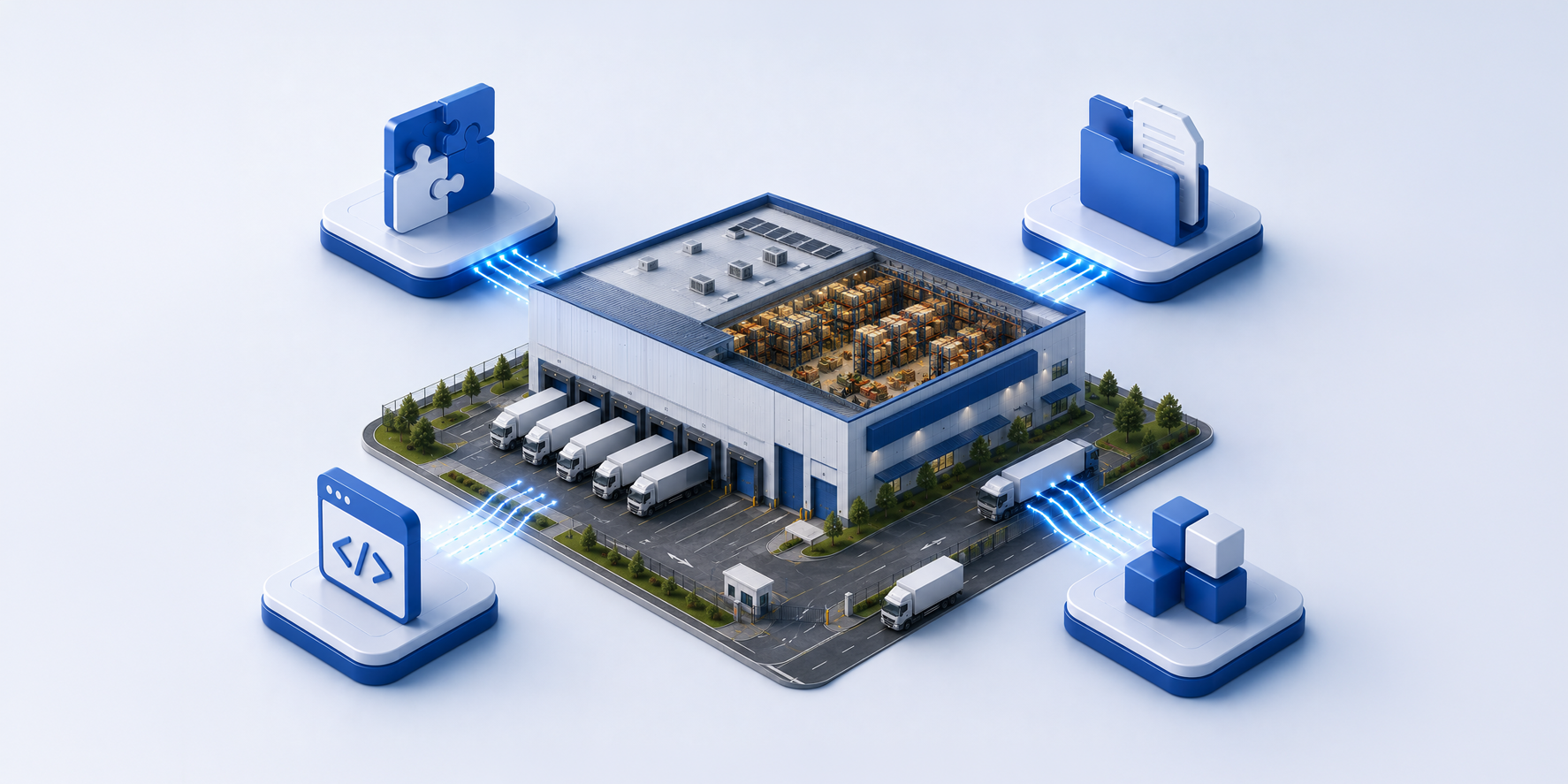

If you've read our post on why WMS integration is so hard, you already know that "yes, we integrate with your ERP" can mean very different things. Another major factor is the integration approach you choose. There are four primary integration models, each with different costs, timelines, and operational trade-offs. Understanding the differences and their real costs will help you have a far more informed conversation before your implementation begins.
Choosing the right approach depends on your ERP, your technical capabilities, and your business requirements. Here's how to navigate it.
Best for: NetSuite, Acumatica, Retalix
How it works: ERP → Native Connector → BFC WMS
BFC has pre-built connectors for NetSuite, Acumatica, and Retalix. These give you a significant head start — no custom development required to get started. That said, they aren't a one-size-fits-all solution. Every ERP instance is configured differently, and implementations can vary based on your specific requirements. A native connector gives you a defined framework; it doesn't eliminate the need for configuration work on your side.
Benefits
• Fastest implementation
• Near Real-time, bidirectional data sync
• Lowest project risk
• Minimal development effort
• Pre-built and supported by BFC
Customer effort: On the customer side, the primary work is hooking your ERP up to BFC's APIs — aligning your fields, workflows, and data structures to what the connector expects. This is configuration work, not custom development, but the effort involved depends on how standard your ERP setup is. A heavily customized instance will take more work than an out-of-the-box one.
Security: Encrypted API calls with key-based authentication. No file transport or FTP credentials to manage.
Performance: Near real-time. Data flows on trigger — no waiting for a scheduled file transfer.
Reporting & Visibility: Strong. API calls return structured responses, so errors are caught and logged immediately.
Best for: Legacy ERP systems or systems without API capabilities
How it works: ERP → CSV / JSON Files → Secure FTP → BFC WMS
This is by far the most common integration type — and for good reason. FTP is compatible with virtually every ERP on the market, including legacy systems that predate modern API standards. It's how we connect with the vast majority of our 30+ supported ERP systems.
Our current FTP infrastructure runs on AWS — files land in an S3-backed SFTP folder, which triggers a Lambda function that processes the file and sends it into the BFC API. Exports work in reverse. Importantly, the new infrastructure includes transfer tracking, eliminating the silent failures that plagued older FTP setups. Files can be submitted in JSON or Tab-Delimited format.
Benefits
• Works with virtually any ERP
• Proven and reliable
• Easy to support and troubleshoot
• Compatible with older systems
Customer effort: Your ERP must generate files in BFC's standard required format and schedule file transfers. This is real development work, but it's well-documented and the scope is predictable.
Security: Files transmitted over SFTP (encrypted). Credentials managed per customer.
Performance: Scheduled and event-driven rather than truly real-time. Depending on file generation frequency, updates can occur within minutes, making this approach suitable for most warehouse operations. Getting the schedule right especially for sales orders ahead of pick waves remains important.
Reporting & Visibility: Transfer tracking means failed or incomplete transfers are now visible rather than silent.
Note: The transfer tracking and event-driven features described below apply to BFC's current FTP infrastructure. Legacy FTP connections do not include all these capabilities. If you are on an older FTP setup and want to upgrade, please talk to us.
Best for: Modern ERP systems with API capabilities
How it works: ERP API → Custom Integration Layer → BFC API
When your ERP isn't one of the three with a native BFC connector, you have two paths: FTP (covered above) or a fully custom-built API integration. FTP works well for many ERPs — especially legacy systems. Custom API integration becomes the right path when your ERP has modern API capabilities and you need near real-time data flow rather than batch processing.
BFC publishes full public API documentation — every endpoint, every object, every data structure — so any developer has everything they need to build against BFC. The engineering effort is substantial: nine objects, bidirectionally, with timing dependencies between them. This is why enterprise ERP integrations can draw consultant quotes well into six figures.
Benefits
• Near Real-time data exchange
• Maximum flexibility
• Supports complex business processes
• Highly scalable
Customer effort: Development resources required to build and maintain the integration. Engage a qualified developer or consultant early — ideally before finalizing your ERP selection.
Security: Encrypted API calls, key-based authentication. The security model is solid; the risk is in the quality of the custom implementation itself.
Performance: Potentially Near real-time, depending on how the connector is built. A well-architected integration can be as responsive as a native connector.
Reporting & Visibility: Depends entirely on what the developer builds in. Error logging, retry logic, and alerting need to be specified upfront — they don't happen automatically.
Best for: Organizations already using integration platforms
How it works: ERP → Middleware Platform → BFC API
If your organization already uses an integration platform, this path lets you reuse that investment. Rather than building a direct ERP-to-BFC connection, the middleware platform sits in the middle — handling data transformation, routing, and monitoring across all your systems in one place.
Common middleware platforms include:
Benefits
Customer effort: Configuration within the middleware platform plus endpoint mapping. Your middleware team will need to map BFC's API objects to your platform's data model.
Security: Security models are largely determined by the middleware platform. All connections to the BFC API use key-based authentication over encrypted channels.
Performance: Generally near real-time, depending on how the middleware is configured. Centralized monitoring makes it easier to catch performance issues across the full integration landscape.
Reporting & Visibility: One of the strongest options for visibility. Middleware platforms typically include built-in monitoring, alerting, and error management dashboards.
What Drives Cost?
The single biggest factor in integration cost is whether your ERP data follows BFC's standard integration contract.
• Standard Data Contract
ERP Data → BFC Standard Format → Fast Implementation
Characteristics: Standard field mappings, minimal transformations, predictable implementation timeline, lower risk.
• Custom Data Contract
ERP Data → Custom Mapping → Custom Transformations → BFC WMS
Characteristics: Custom fields, complex business logic, non-standard workflows, additional testing and validation required.
If your ERP can align with BFC's standard integration model, implementation is faster, simpler, and significantly more cost-effective. The right answer depends on your ERP, your version, your deployment model, and how much customization you've done.
The good news: we've successfully navigated all four of these paths — hundreds of times, across 30+ ERPs. Whether you're on a legacy system that's been running for decades or a modern cloud platform with a full API layer, there's a well-worn road from your ERP to BFC. We'll help you find it.
Not sure which option is right for you? Check out our Integrations page or our team can review your ERP environment and recommend the most efficient integration path.












.png)


